
Searching Cases by Name
The official Kansas CaseSearch is the first stop for a Jefferson County case search. Set the court choice to District. Then pick Party Name, Business Name, or Party As Business Name. Type your term. When the county control appears, choose Jefferson County. Trim a long list with case type or filing dates. Common names match several people. Before trusting a result, compare the case number, county, type, filed date, party role, and public events.
- Open CaseSearch and choose District.
- Select the name search type that fits the person or business.
- Enter the name, then select Jefferson County and useful filters.
- Complete the human check and open a likely match.
- Compare parties, filing date, case type, and events with the source notice.
The live controls no longer match the legacy Smart Search screen. Trust the labels in front of you, not an old set of saved directions.
| Field | Type | Required | Use |
|---|---|---|---|
| Court | Select | Yes | District for a Jefferson County trial case. |
| Search Type | Select | Yes | Number, party, business, party as business, or citation. |
| Search Term | Text | Yes | Exact known name or identifier. |
| County | Select | When shown | Choose Jefferson. |
| Case Type | Select | No | Criminal, Civil, Family, Probate, or Mental Health. |
| File Date | Date range | No | Separates similar names. |
Jefferson County Portal Controls
The broad court choice comes first. District points to trial-court information. Appellate points to Kansas Court of Appeals and Kansas Supreme Court matters. Jefferson County is one of four counties in the Second Judicial District. Selecting Jefferson keeps a district search local even though the portal is statewide. The official Smart Search instructions document added filters. But the live guest screen controls current access.
The current CaseSearch service is the live docket search guests reach today.
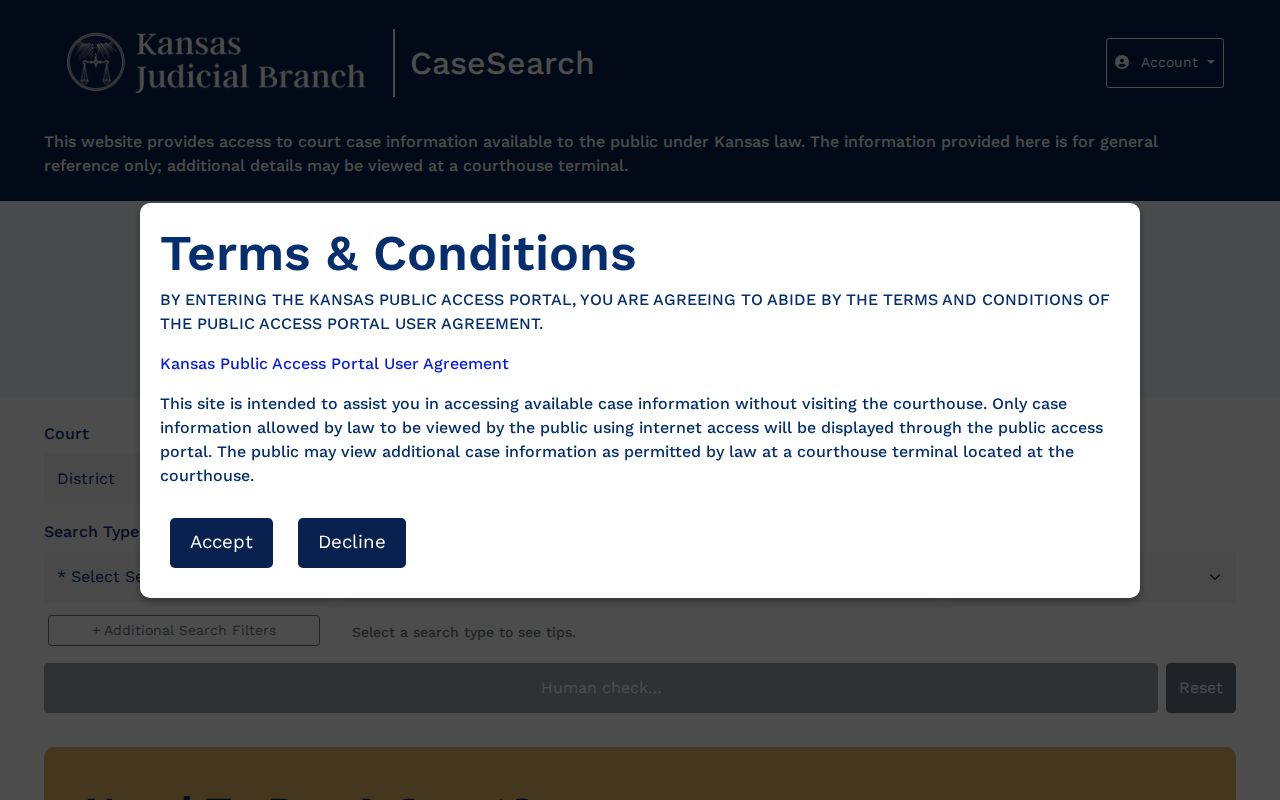
CaseSearch is the statewide front door to eligible Jefferson County district information, not a county-owned database.
Searching by Case Number
An exact number is the cleanest Jefferson County search key. Copy every letter, year, type code, zero, and separator from the notice. Official examples include 2019CV25 and RL2019CV25. An eCourt-style format may look like JF-2022-CV-000001 or JF-2022-CR-000001. These are examples only, not real Jefferson County files. If the number fails, try nothing beyond safe punctuation changes. Also check whether the source names a city municipal court, appellate court, or federal court. A case heard there does not become a district case just because the event happened in Jefferson County.
When Human Check Fails
A failed verification control does not mean a Jefferson County case is missing, sealed, or dismissed. It only means the online step did not finish. Retry in a normal browser and confirm every required field. If access still fails, use the courthouse terminal. Or call the Jefferson County District Court clerk at 785-863-2461.
No-result rule: Check the court, county, search type, spelling, number format, and date range before drawing a conclusion.
The clerk can also route a request for a specific public document. An empty result alone proves nothing about a case's status.
Jefferson County Search Results
A Jefferson County result may open with a case header and a chronological events index. Fields can cover the number and type, parties, attorneys, judge, filing date, hearings, status, disposition, and eligible links. Some details appear only after the result opens. Even when the case shows up, financial data and document images may be missing.
| Case Number | The identifier used to reopen the result. |
|---|---|
| Parties | Names and roles in the caption. |
| Case Type | Criminal, civil, family, probate, or mental health classification. |
| Filed Date | Date the court opened or received the case. |
| Judge and Attorneys | Judicial officer and counsel shown publicly. |
| Events | Filings, settings, orders, and dispositions when public. |
| Documents | Eligible links may appear, but an entry does not ensure an image. |
Read the newest events in order. An old hearing can linger after a later reset moves the next court date.
Legacy Search Is Different
The older Kansas public portal shows why old instructions may name location, status, judicial-officer, and other controls that differ from the live screen. Those directions are context, not proof that every field remains in the current guest view.
That legacy screen is the legacy portal itself.
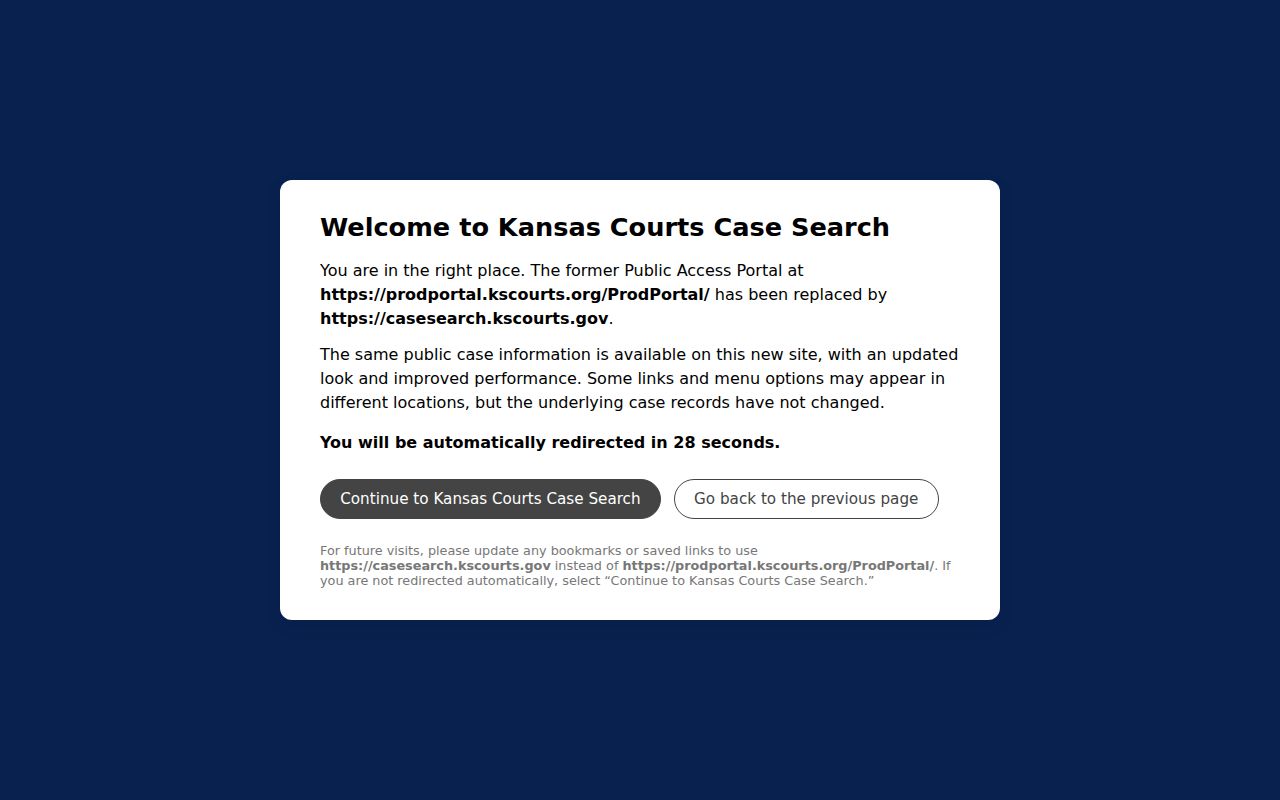
Use the legacy view to recognize the old interface, then take today's lookup back to current CaseSearch.
Statewide vs County Case Search
Jefferson County runs no separate online case database of its own. CaseSearch provides the statewide layer, while the courthouse offers the local terminal and clerk access. Reach and authority are the real difference. The portal handles convenient, eligible public information. The local court holds the official file and fills certified-copy requests.
| Route | Best Use | Limit |
|---|---|---|
| Kansas CaseSearch | Name, number, business, or citation lookup. | Verification, exclusions, and incomplete document access. |
| Courthouse terminal | Eligible public material absent online. | In-person access. |
| District Court Clerk | Official copies and precise requests. | Fees and delivery need confirmation. |
That split matters once you need more than a quick index. A certified court record comes from the clerk, never from a browser printout.
Jefferson County Filing Is Separate
Kansas Courts eFlex is an authenticated filing system. It is not public case search. Authorized filers use credentials and a worklist to submit documents. Readers use CaseSearch, the terminal, or the clerk. A filing receipt does not prove that a public event or document image has appeared.
The Kansas eFlex site is where those filings happen.
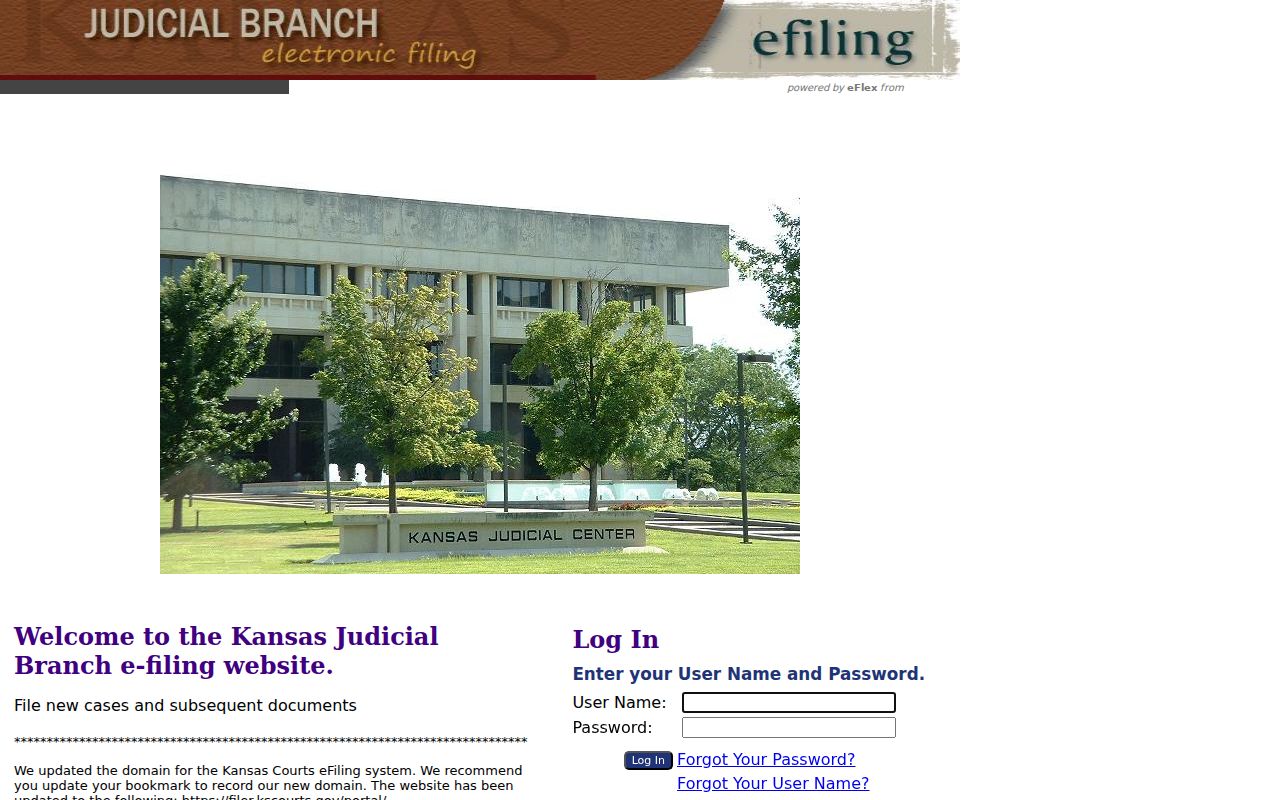
The login marks the boundary between filing work and public Jefferson County lookup.
Jefferson County Search Fallbacks
Before contacting the court, pin down what you actually need: case information, an events index, a filed order, a certified copy, or a transcript. The right fallback depends on the product.
- Retry the exact case number with Jefferson selected.
- Confirm the court named on the notice.
- Use the courthouse terminal for eligible offline data.
- Call the District Court Clerk about the exact item.
- Submit the Kansas court-record form if directed.
The district records guidance explains the information-versus-document split.
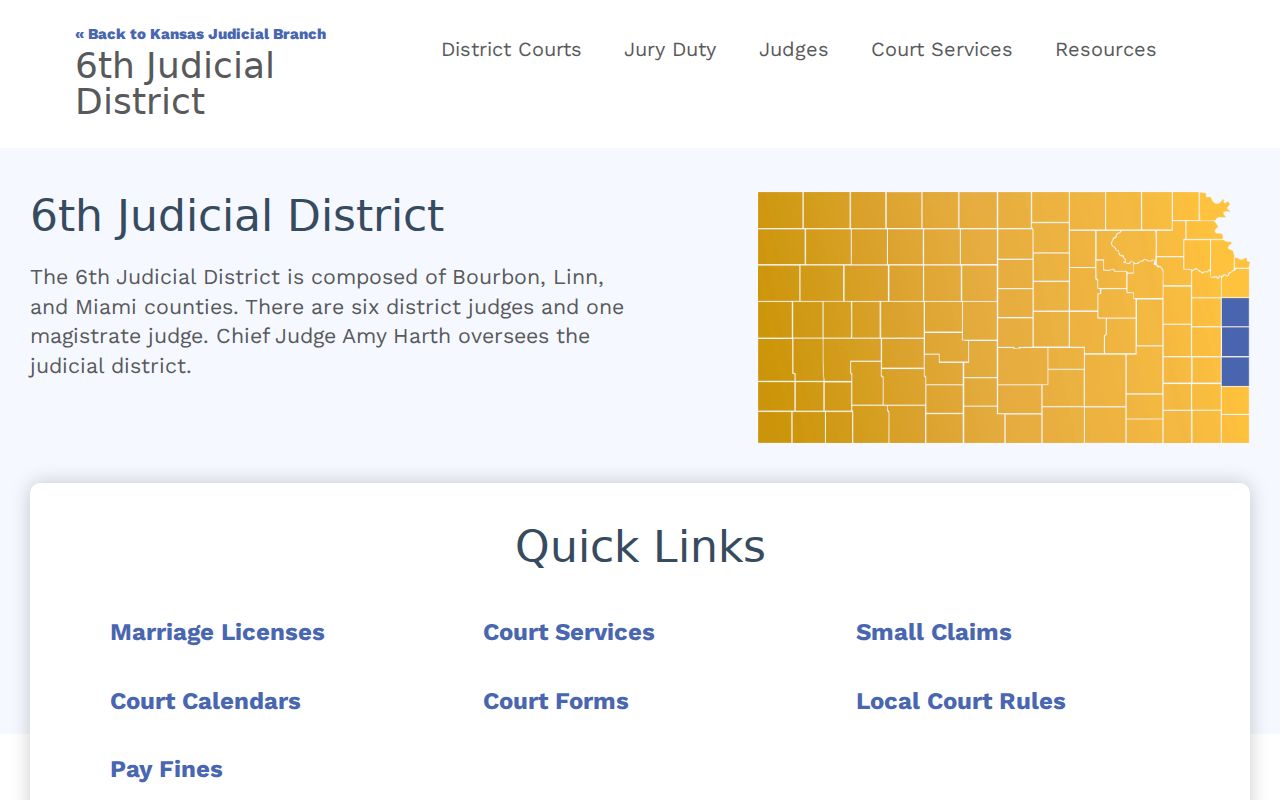
This fallback matters most for older records and public documents that never appear online.
Access and Restricted Cases
Kansas Supreme Court Rule 22 keeps some cases and papers out of public reach. Adoption, juvenile, and care-and-treatment cases are restricted, along with certain family and protection matters. Expunged cases, grand-jury material, presentence reports, probable-cause material, and unexecuted warrants stay closed too. Even a public Jefferson County case can hold redacted or protected documents.
A blank result does not mean a case never existed. The search may have hit the wrong court or a name mismatch. A delay or an older file can also explain it. Lawful limits can also hide it. An authorized party should ask the clerk how to proceed the right way. No broad request will pry sealed material open.
Public-but-offline is its own category. CaseSearch may show only the event for an older document. The full paper could still sit on the Jefferson County courthouse terminal. Visiting the terminal does not unlock a nonpublic record, though. Ask the clerk about the missing item. Is it public, terminal-only, older than online conversion, redacted, or restricted? That question beats asking staff to weigh the merits of the case.
Read results with care. A party name or a filed allegation proves nothing about the truth of the claim. Track down later orders, judgments, dismissals, pleas, or disposition events. Then confirm anything official with the record holder. The appearance docket is just a chronological index. A filed order is what shows the court's actual ruling. When the gap matters, request the exact public document instead of trusting a result-row label.